


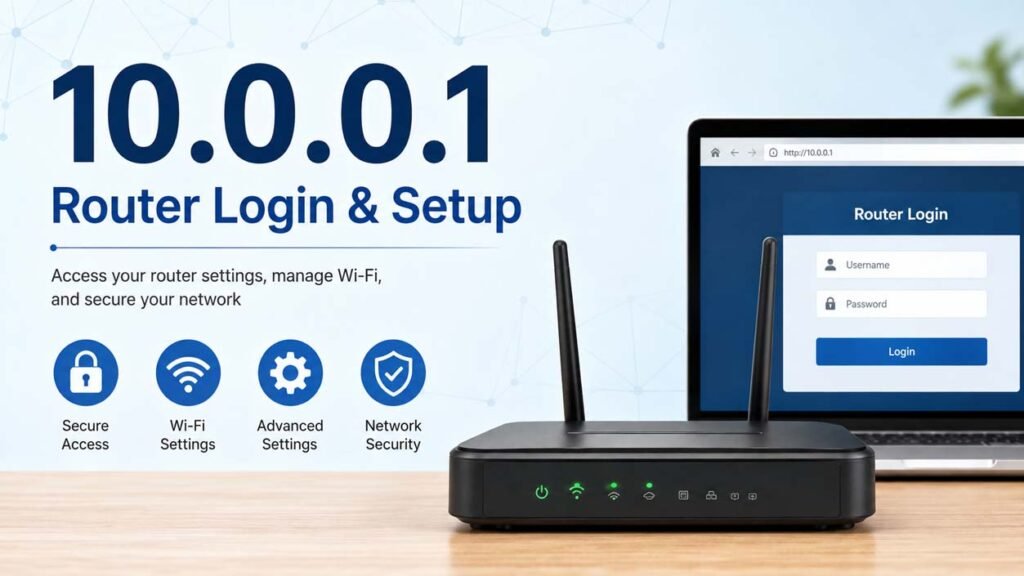
After opening the login page, you will need the router’s administrator username and password. These credentials are set by the manufacturer and vary between router models.
Some of the most common default usernames include:
- admin
- user
- cusadmin
- Cisco
Common default passwords include:
- password
- admin
- public
- highspeed
- 1234
Some routers have a blank username or password, while others print the login details on a label attached to the device.
If the default credentials do not work, the login information may have been changed during the router’s setup. In that case, you will need the updated password or perform a factory reset if you no longer have access.
For security, it is a good idea to change the default administrator password after logging in for the first time.
Router Settings You Can Change
The admin panel gives you access to many network settings. The exact options depend on your router model and firmware version, but most routers offer the same core features.
Wireless Settings
You can change your Wi-Fi network name (SSID) and create a new wireless password. Renaming the network can make it easier to identify, while a strong password helps protect your connection from unauthorized access.
Many modern routers also let you choose the wireless security standard, such as WPA2 or WPA3 if supported.
Internet and Network Settings
The router dashboard lets you manage important network settings, including:
- LAN configuration
- WAN settings
- DHCP server settings
- DNS server addresses
- IP address assignments
These settings control how devices connect to your network and how the router communicates with your internet service provider.
Security Features
Most routers include several security tools that help protect your network.
These may include:
- Firewall settings
- Administrator password management
- Guest network controls
- MAC address filtering
- Parental controls
- Port forwarding
Business-grade routers often provide additional security and network management options.
Connected Devices
Most router dashboards display all devices currently connected to the network.
This allows you to:
- Identify unknown devices.
- Remove unauthorized connections.
- Monitor network activity.
- Check device IP addresses.
Firmware Updates
Many routers allow firmware updates through the admin panel.
Firmware updates can:
- Fix software bugs.
- Improve performance.
- Add new features.
- Improve network security.
Always install firmware provided by your router manufacturer and avoid interrupting the update process.
How to Reset a Router That Uses 10.0.0.1
If you cannot log in because you forgot the administrator password or the router is not working correctly, a factory reset may help.
Locate the small Reset button on the back or bottom of the router. Press and hold it for about 15 to 20 seconds using a paper clip or similar tool until the router restarts.
A factory reset removes all custom settings, including:
- Wi-Fi network name
- Wi-Fi password
- Administrator password
- DNS settings
- Port forwarding rules
- Other customized network settings
After the reset, the router returns to its original factory configuration. You can then log in using the default credentials supplied by the manufacturer and configure the network again.
Resetting the router should usually be the last troubleshooting step because it erases all saved settings.
Common 10.0.0.1 Login Problems and Fixes
Users sometimes cannot access the router’s login page. In many cases, the problem is easy to fix.
10.0.0.1 Is Not Loading
The most common reason is that your router does not use 10.0.0.1 as its default gateway.
Check your router’s actual IP address through your computer’s network settings or the label on the router.
Incorrect Username or Password
If the login page appears but rejects your credentials, verify that you are entering the correct administrator username and password.
If you have changed the password and forgotten it, a factory reset may be required.
Router Refuses the Connection
This may happen if:
- The router is turned off.
- The network cable is disconnected.
- Your device is connected to another network.
- The router is experiencing a hardware problem.
Restart the router and reconnect your device before trying again.
Page Takes Too Long to Respond
A slow response can be caused by:
- Temporary router software issues.
- Browser problems.
- Weak network connections.
- Hardware faults.
Restarting both the router and your computer often resolves temporary issues.
IP Address Conflict
If another device on the network has been manually assigned the same IP address, communication problems can occur.
Using DHCP for most devices helps avoid IP address conflicts.
Wrong IP Address
Typing even one incorrect digit will prevent the login page from opening.
Carefully check that you entered:
10.0.0.1
and not another similar-looking address.
Is 10.0.0.1 Safe to Use?
Yes. 10.0.0.1 is a private IP address designed for local networks. By itself, it does not create a security risk.
The security of your router depends more on how it is configured than on the IP address it uses.
To keep your network secure:
- Change the default administrator password.
- Use a strong Wi-Fi password.
- Enable WPA2 or WPA3 encryption when available.
- Keep the router firmware updated.
- Disable remote administration if you do not need it.
- Review connected devices regularly.
These simple steps help reduce the risk of unauthorized access.
10.0.0.1 vs Other Common Router IP Addresses
Several private IP addresses are commonly used as router login addresses.
| IP Address | Common Use |
|---|---|
| 10.0.0.1 | Used by some Cisco, Arris, Technicolor, and other routers |
| 192.168.1.1 | One of the most common home router addresses |
| 192.168.0.1 | Frequently used by many consumer routers |
| 192.168.100.1 | Often used by cable modems |
| 10.0.0.2 | Used by some networking devices |
All of these addresses serve the same basic purpose. The only difference is which address the manufacturer chooses as the router’s default gateway.
Tips for Managing Your Router
Good router management helps improve both performance and security.
Some useful tips include:
- Change the default administrator password after setup.
- Use a strong and unique Wi-Fi password.
- Rename the default Wi-Fi network.
- Keep router firmware updated.
- Review connected devices from time to time.
- Back up router settings before making major changes if the feature is available.
- Restart the router occasionally if you experience network problems.
- Enable modern wireless security such as WPA2 or WPA3 when supported.
Following these practices helps keep your home or office network more reliable and secure.
Bottom Line
10.0.0.1 is a private IP address that many routers use as their default gateway. It allows users to log in to the router’s admin panel and manage important network settings, including Wi-Fi, security, DNS, DHCP, and connected devices.
If 10.0.0.1 does not work, your router may use a different default IP address. Checking your device’s default gateway or the information printed on the router can help you find the correct login address.
Keeping your administrator password secure, updating firmware, and reviewing your router settings regularly will help maintain a stable and secure network.
Frequently Asked Questions
What is 10.0.0.1 used for?
10.0.0.1 is a private IP address used to access a router’s administration panel. From there, you can manage Wi-Fi, network, and security settings.
How do I log in to 10.0.0.1?
Connect to your router, open a web browser, enter http://10.0.0.1, and sign in using the administrator username and password.
Why is 10.0.0.1 not opening?
The router may use a different default IP address, the device may not be connected to the router, or there may be a network or hardware problem.
What should I do if I forget my router password?
Check whether the login details are printed on the router or included in the manual. If you still cannot log in, you may need to reset the router to its factory settings.
Is 10.0.0.1 a public IP address?
No. It is a private IPv4 address used only within local networks and cannot be accessed directly from the internet.
Can I change my Wi-Fi password using 10.0.0.1?
Yes. If your router uses 10.0.0.1 as its login address, you can change your Wi-Fi name and password through the router’s admin panel.
Do all routers use 10.0.0.1?
No. Different manufacturers use different private IP addresses, such as 192.168.1.1 or 192.168.0.1.
Is it safe to reset my router?
Yes. A factory reset is safe, but it removes all custom settings. You will need to set up the router again after the reset.
Read Next: Flixtor.win: What It Is, How It Works, Safety, Legality, and Best Alternatives
