


Our smartphones carry an enormous amount of personal information. From private conversations and photographs to shopping accounts, work documents, and online payments, much of our daily activity now happens through a mobile device. This makes internet privacy an important consideration for every smartphone user.
A VPN can add another layer of protection by encrypting your internet connection and routing your traffic through a secure server. For Apple users who want a straightforward privacy solution, iTop VPN provides an option worth exploring. With a mobile-friendly approach, it can help users enjoy a more private browsing experience on their iPhone or iPad.
What Does a VPN Actually Do?
A Virtual Private Network creates an encrypted connection between your device and the VPN server. Instead of sending your internet traffic directly through your regular connection, the VPN routes it through its own network.
One major benefit is that your original IP address is hidden from websites you visit. The VPN server’s IP address is displayed instead, which can provide an additional level of privacy.
A VPN is particularly useful when you’re connected to networks that you don’t fully control. Public Wi-Fi at airports, hotels, restaurants, and cafés can be convenient, but users should always be careful when transmitting sensitive information over shared networks.
Why iPhone Users May Want a VPN
Apple devices include a range of built-in privacy and security features, but those features don’t replace a VPN. A VPN focuses specifically on securing your internet connection.
For example, imagine you’re working remotely from a coffee shop and need to access your email or company resources. Connecting through a VPN can encrypt the connection between your device and the VPN server, adding protection while you’re using the shared network.
Travelers can also benefit from using a VPN. When moving between different networks, a VPN provides a consistent way to protect internet traffic without requiring users to manually configure every connection.
Exploring iTop VPN
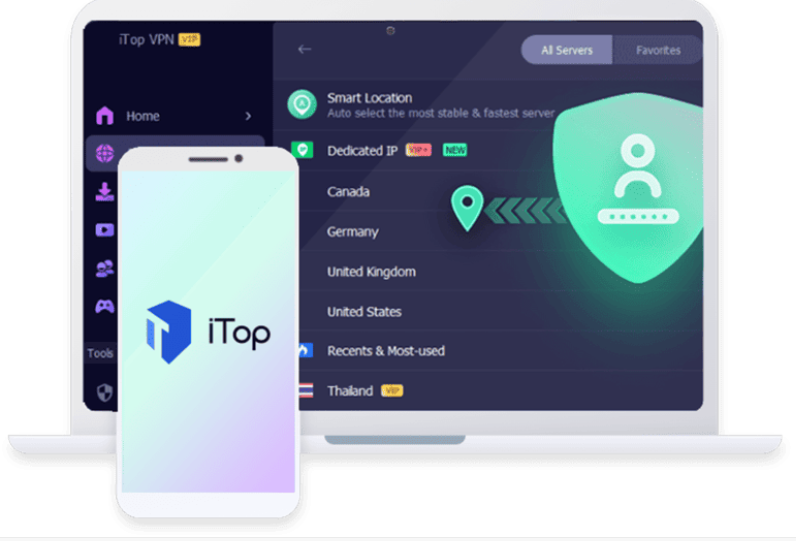
iTop VPN is designed to make VPN connectivity accessible without requiring users to understand complicated networking concepts. Its application provides a simple interface where users can connect to a VPN server and manage their connection.
For people who are new to VPN technology, this simplicity can be valuable. Rather than spending time configuring technical settings, users can focus on choosing a server and maintaining a secure connection.
The service also provides different options depending on user requirements, allowing people to select a setup that matches their browsing habits.
Choosing the Right VPN for iOS
When searching for a VPN for iOS, users should look beyond advertising claims and consider the features that actually matter.
Connection stability is important because constantly losing a VPN connection can make mobile browsing frustrating. Server availability is another factor, particularly for people who travel frequently.
A well-designed iOS VPN should also be easy to operate. Mobile users often need to establish a connection quickly, so a complicated interface can defeat the purpose of having a convenient privacy tool.
It’s also worth checking the provider’s privacy policy and understanding how it handles user information before committing to any VPN service.
How to Use a VPN on an iPhone
Getting started with a VPN for iOS is generally simple. After installing a compatible VPN application, users normally need to open the app and follow its setup instructions. iOS may request permission to add a VPN configuration to the device.
Once permission is granted, users can select a server and establish a connection. When the VPN is active, the device routes eligible internet traffic through the encrypted VPN connection.
It’s a good habit to check that the VPN connection is active before using an unfamiliar public Wi-Fi network.
Improve Your Overall Mobile Security
A VPN should not be considered a complete security solution. It works best alongside other privacy practices.
Keep your iPhone updated with the latest available software releases. Use a strong passcode and enable biometric authentication where appropriate. Multi-factor authentication should also be enabled on important accounts whenever available.
You should also be cautious about links received through messages or emails and avoid installing applications from untrusted sources.
These basic precautions, combined with a VPN, can create a stronger overall approach to mobile privacy.
Is iTop VPN Worth Considering?
For users who want a convenient way to protect their internet connection, iTop VPN provides a simple starting point. Its straightforward design can make VPN technology easier to understand, while its mobile support allows users to maintain privacy when browsing from an iPhone or iPad.
The right VPN ultimately depends on individual needs. Casual users may prioritize simplicity, while frequent travelers or professionals may care more about server choices, performance, and advanced features.
Final Thoughts
Mobile privacy is no longer something that only technology enthusiasts need to think about. Every day, smartphones connect to networks, exchange personal information, and access sensitive online accounts.
Using a reliable VPN for iOS can help add an extra layer of privacy when browsing, particularly on public or unfamiliar networks. With its user-friendly approach, iTop VPN can be a practical option for iPhone and iPad users who want a simpler way to manage their VPN connection.
By combining VPN protection with strong passwords, regular software updates, and sensible browsing habits, users can take meaningful steps toward a safer and more private mobile internet experience.
